
Minimalist Productivity App
One outline for your whole life.
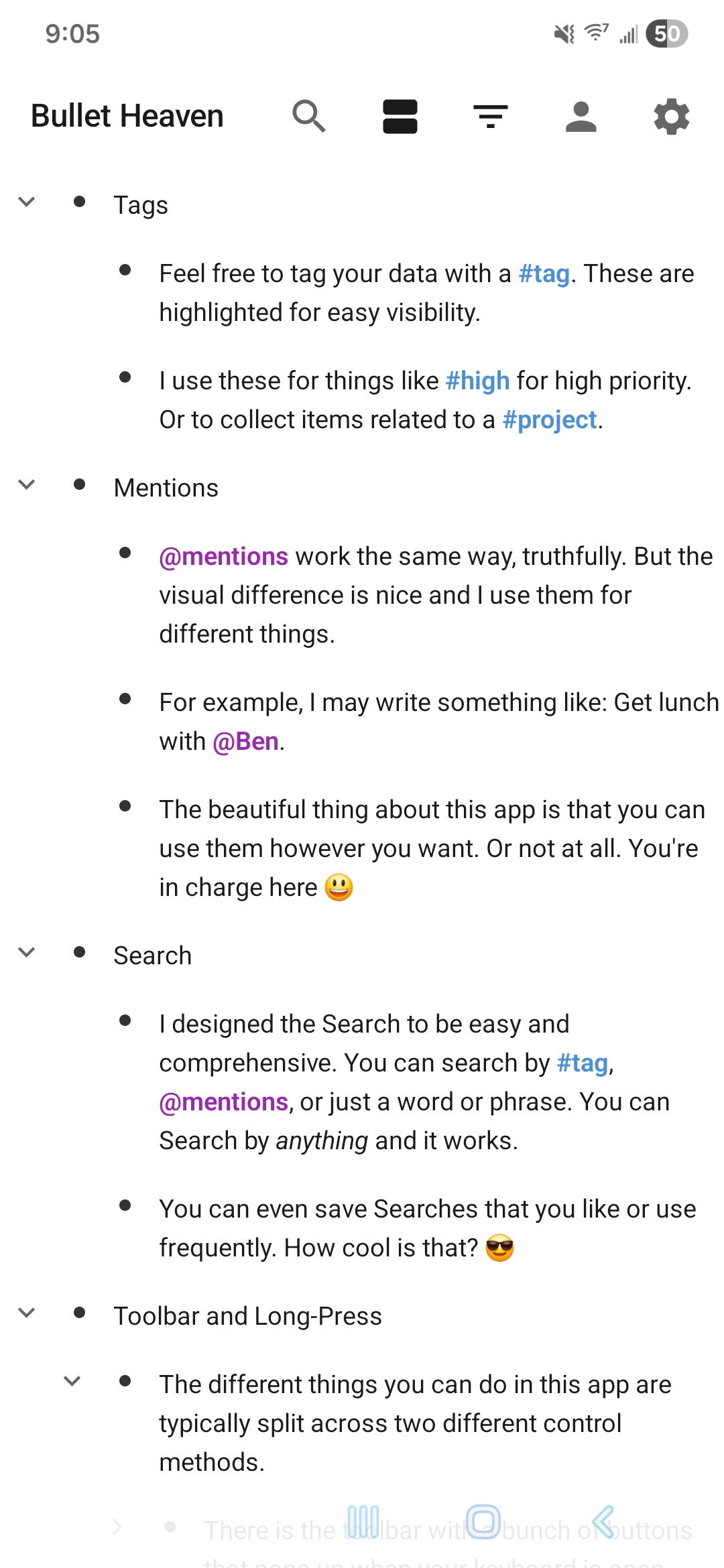
Bullet Heaven turns notes, tasks, projects, planning, and quick thoughts into one infinitely nested workspace. No folders. No fragmented pages. Just a clean bullet-based system that lets you zoom in, reorganize fast, stay focused, and keep your workspace truly your own.
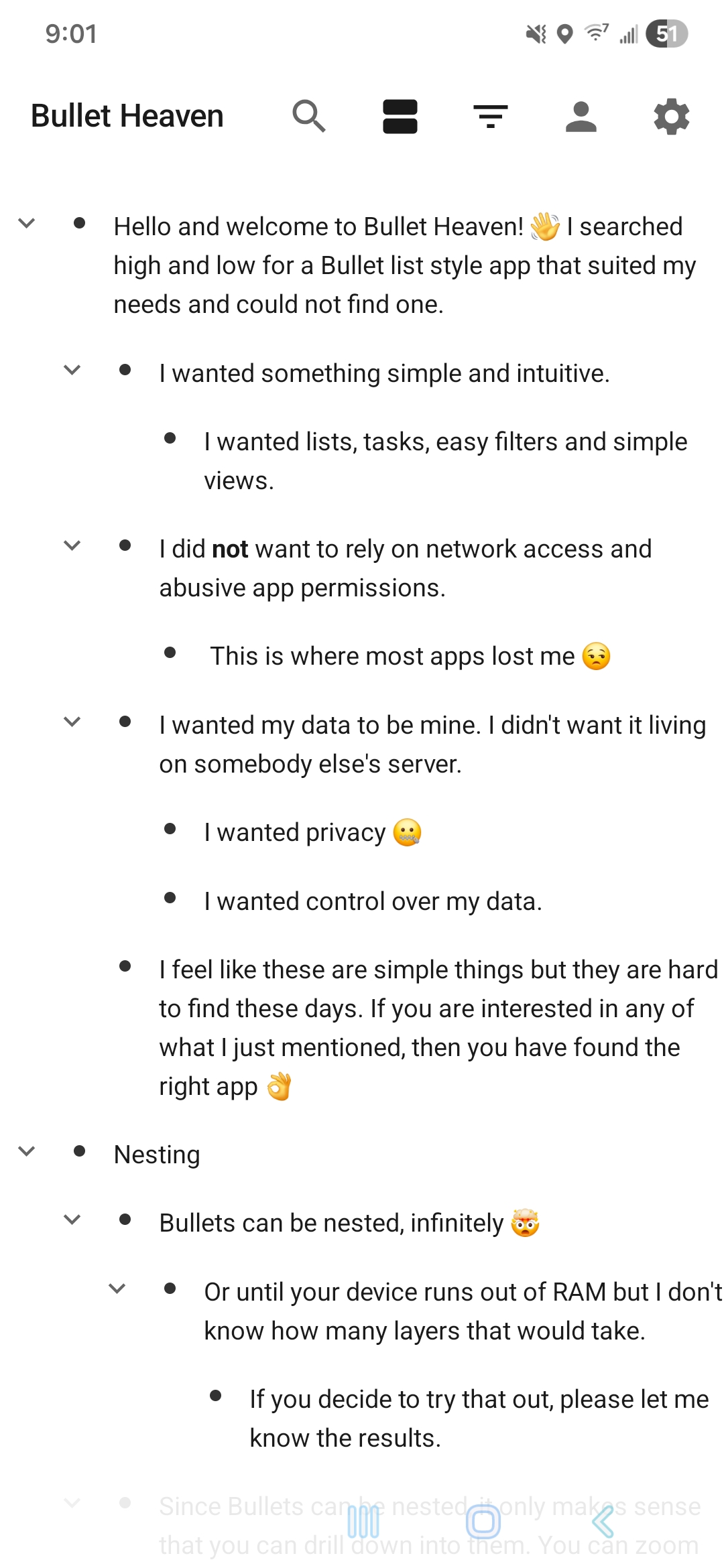
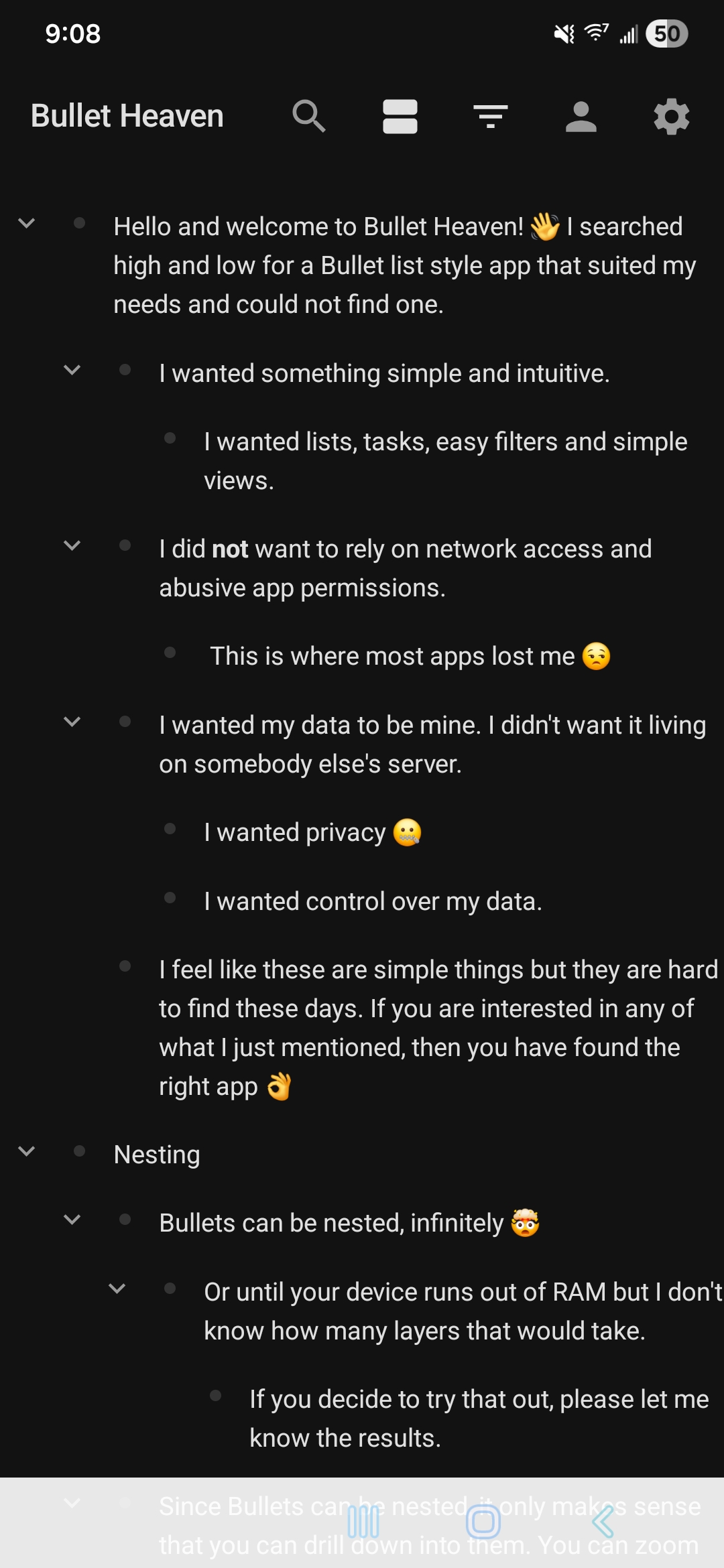
Infinite nesting
Build simple checklists or deep project trees with the same interface.
Zoom navigation
Open any bullet like its own space and climb back up with breadcrumbs.
Android quick capture
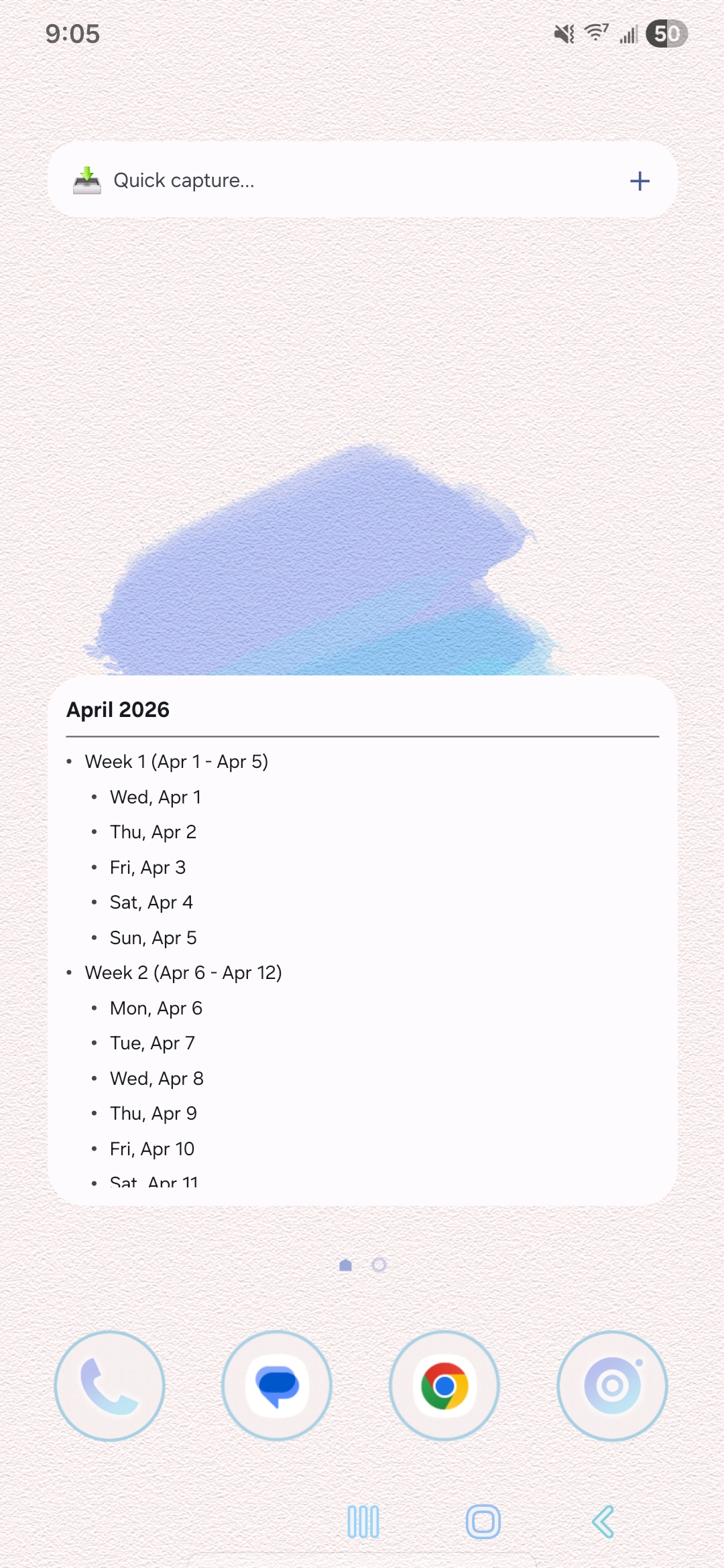
Send thoughts into a chosen bullet from a home screen widget.
Card view + export
Switch perspectives, then export to Markdown, OPML, text, or PDF.
Zoom to focus
Any bullet can become the current working surface without losing its context in the full outline.
Drag to reshape
Move whole subtrees and re-nest them with a single long-press gesture.
Capture instantly
Inbox-style quick capture routes new thoughts into the exact bullet you choose.
Why It Feels Different
Structured thinking without the usual sprawl.
Everything lives in one flexible outline. That keeps the app fast, focused, and adaptable whether you are planning a week, managing a project, or catching thoughts before they disappear.
Everything is a bullet.
Tasks, notes, journals, templates, and reference material all share the same foundation. That makes organizing feel consistent instead of scattered across tabs, views, and separate systems.
No folders to maintain
The hierarchy lives in indentation, so organization happens where the work already is.
No mode-switching overload
List view, card view, filters, templates, and capture all orbit the same workspace.
No penalty for detail
Go as shallow or as deep as you want. The structure scales with your thinking.
Android 8+
Built as a native Android app with Jetpack Compose, tuned for fast capture and touch-first outlining.
One workspace
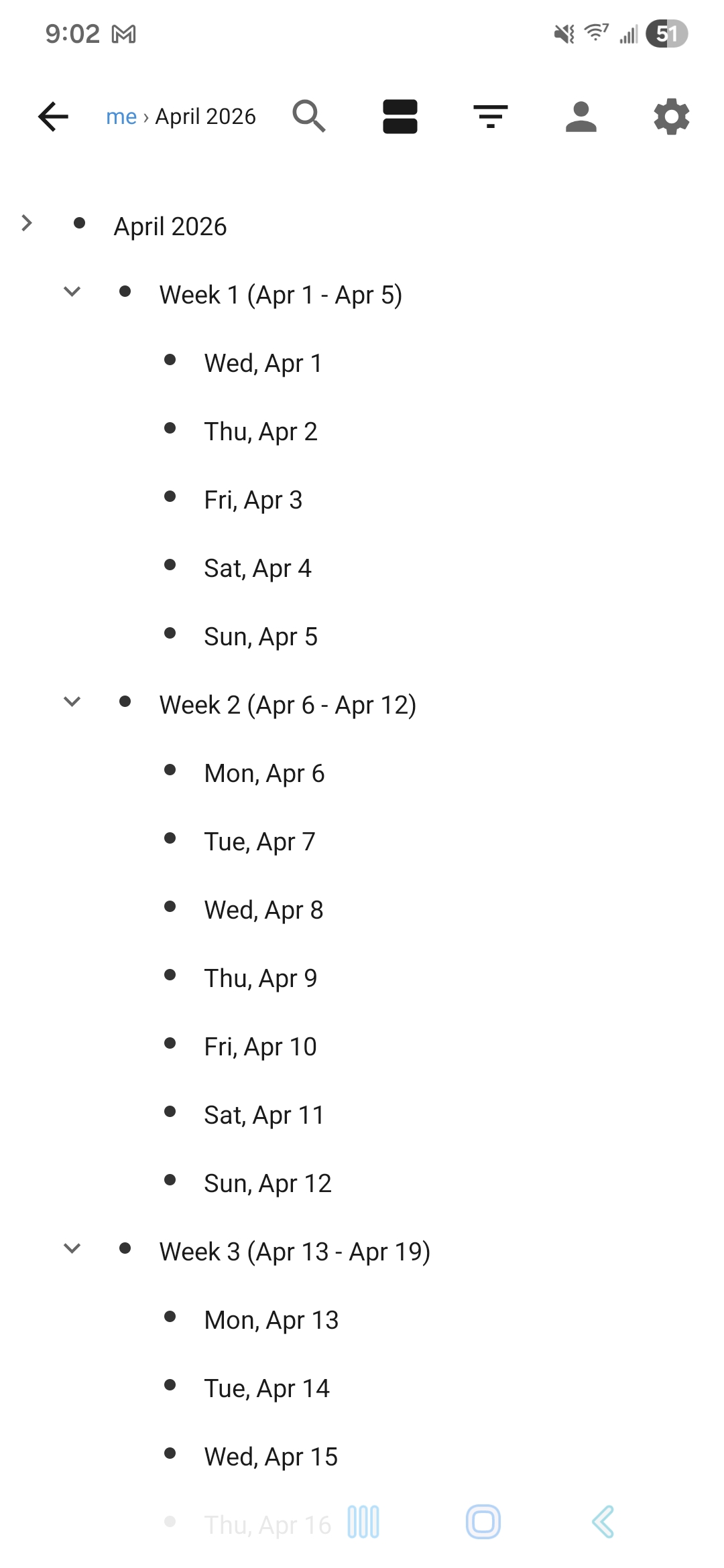
Notes, tasks, templates, favorites, and due dates all live in the same outline instead of separate silos.
Multiple lenses
Search globally, filter by date or favorites, switch to card view, or zoom into a single branch.
Local by design
Your outline, templates, and stats stay on your device in a setup built to feel personal, fast, and self-contained.
Privacy First
Your outline is not a telemetry stream.
Too many productivity apps ask you to trade privacy for convenience. They lean on accounts, cloud dependency, engagement tracking, and background analytics in tools that should simply help you think. Bullet Heaven takes the simpler path: keep your work personal and keep the app out of the way.
Your notes, tasks, plans, and personal structure belong to you. Bullet Heaven is meant to feel like a private workspace on your phone, not a system that watches how you work.
That is why privacy is not tucked away behind a settings toggle. The app works locally, does not ask for Internet permission, and does not include analytics or crash-reporting services. Instead of collecting usage data, it stays focused on helping you capture thoughts quickly and organize them clearly.
No Internet permission
No analytics trackers
Local-first design
Need the full policy?
Read the standalone Bullet Heaven privacy policy.
Open Privacy Policy
Built to stay personal
Your bullets, templates, favorites, and activity stats live on-device, so the app feels like a tool you own rather than a service watching over your shoulder.
No tracking layer
There is no hidden tracking layer quietly measuring your habits, your sessions, or the way you organize your life.
Privacy from day one
This was not bolted on later. Respect for your data shaped the app from the beginning, and you can feel that in how simple and self-contained the experience stays.
Feature Set
What Bullet Heaven does well.
From quick capture to deep planning, Bullet Heaven covers the core flow: outline deeply, navigate by zoom, reorganize with drag and drop, reuse templates, and follow your progress with profile stats.
Infinite outline structure
Every note or task can become a parent. Create lightweight lists, dense planning trees, or deeply nested research without switching tools.
Zoom + breadcrumbs
Tap into any bullet to make it your current focus, then move back up with breadcrumbs when you need the wider context again.
Drag, reorder, and re-nest
Long-press to move an entire subtree. Drag vertically to change position and horizontally to change depth in one fluid gesture.
Card view and favorites
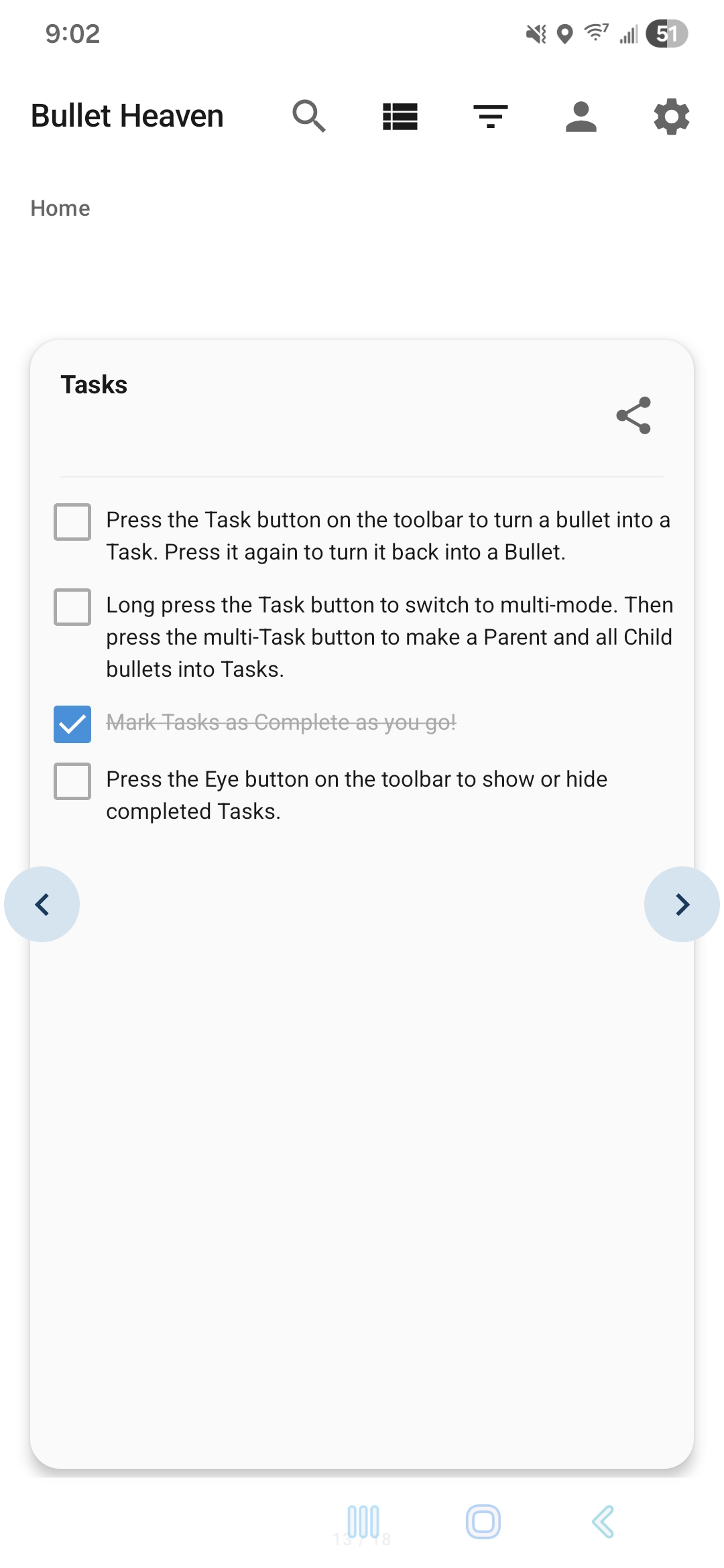
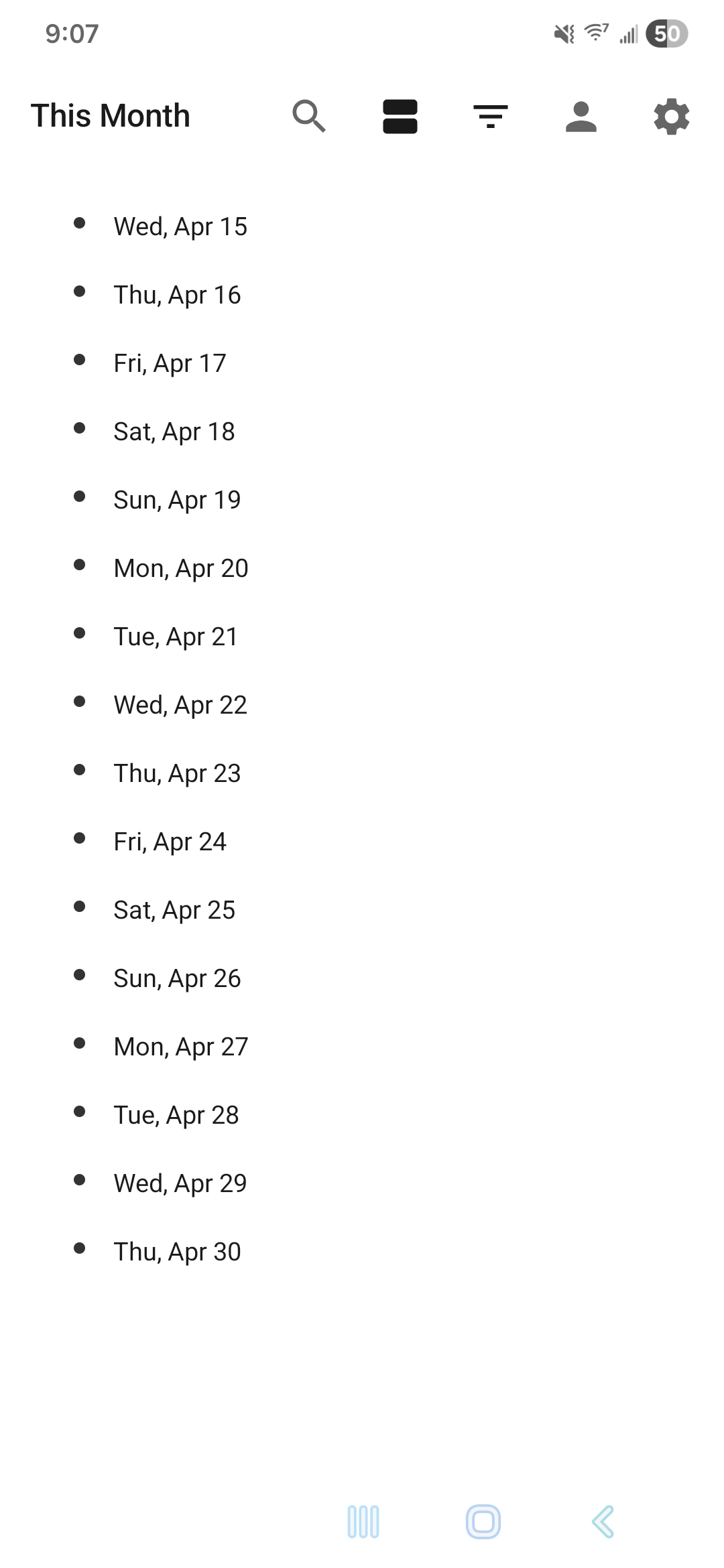
Switch from list mode to swipeable cards, star important bullets, and filter by favorites or date-based views like Today and Overdue.
Templates and quick capture
Start from reusable structures like Inbox and calendar templates, then send new thoughts straight into a target bullet from the home screen widget.
Export and usage stats
Take your outline out as Markdown, OPML, plain text, or PDF, and track activity through built-in profile metrics and streaks.
How It Works
Capture quickly. Organize naturally. Drill down when it matters.
Stay inside one living structure from first thought to finished plan instead of bouncing between disconnected tools and views.
Use the main outline or the quick capture widget to add a thought before it vanishes.
Indent, outdent, drag, and reorder until the bullets reflect how the work actually relates.
Zoom into a branch, filter by dates or favorites, or flip into card view to review a focused slice.
Save repeatable structures as templates, then export the final outline in the format you need.
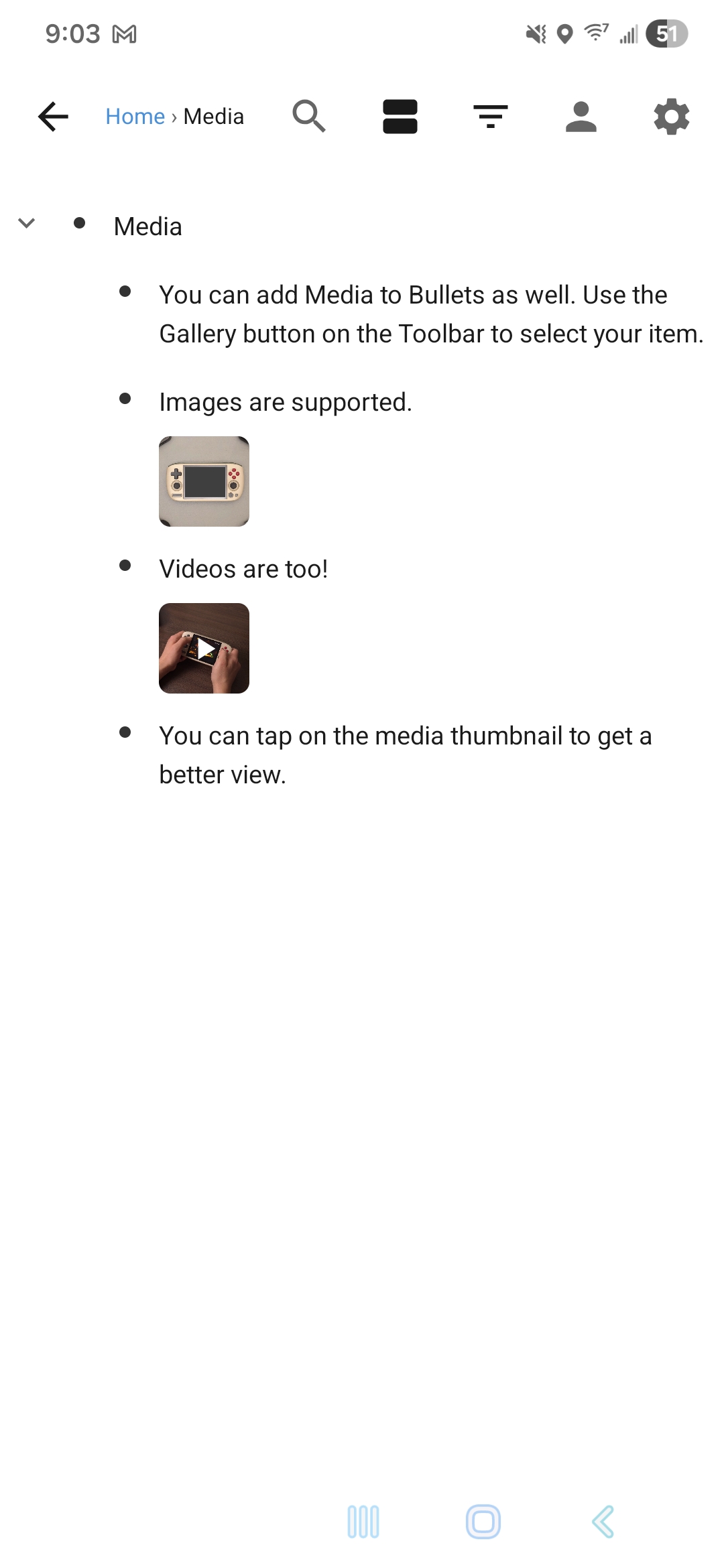
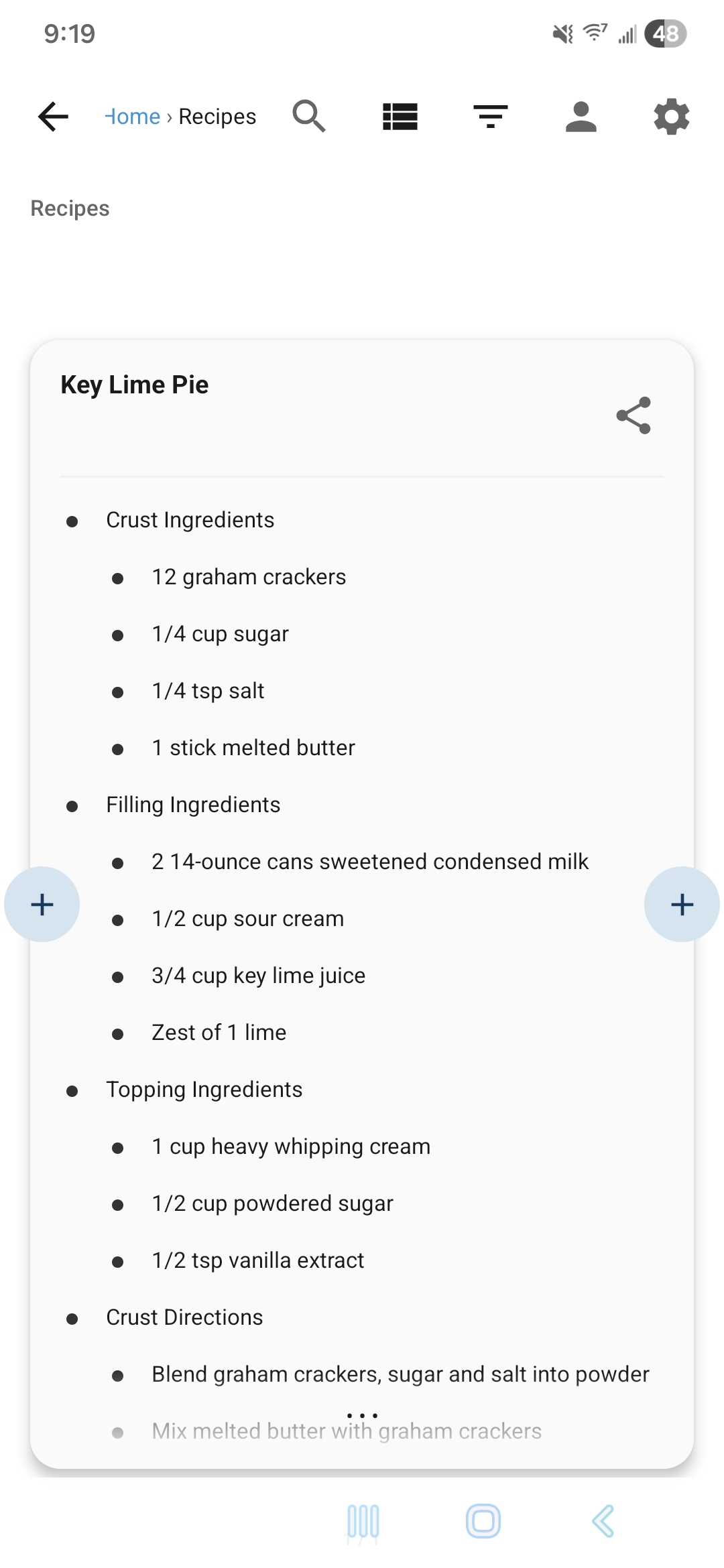
Visual Showcase
A closer look at Bullet Heaven.
Use Cases
Built for people who think in outlines.
The same bullet system can stretch from personal life management to project planning without forcing you into a different system every time the context changes.